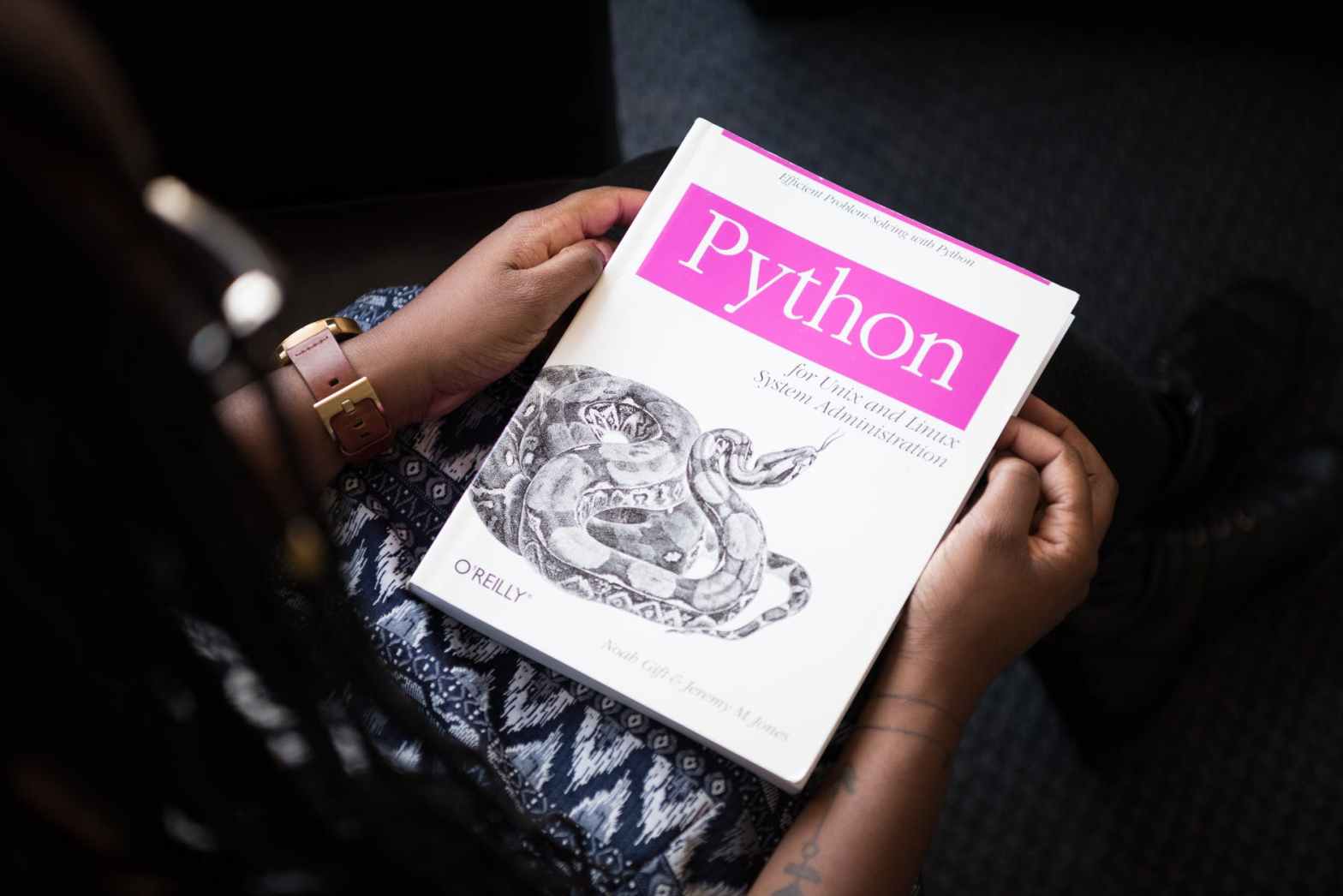
Operators basics

  1. Arithmetic operators: Arithmetic operators are used to perform mathematical operations like addition, subtraction, multiplication and division.
OPERATORDESCRIPTIONSYNTAX
+Addition: adds two operandsx + y
Subtraction: subtracts two operandsx – y
*Multiplication: multiplies two operandsx * y
/Division (float): divides the first operand by the secondx / y
//Division (floor): divides the first operand by the secondx // y
%Modulus: returns the remainder when first operand is divided by the secondx % y
**Power : Returns first raised to power secondx ** y

Example:

for example, open any of your text editor(notepad/notepad++), then copy the code below

a = 9
b = 4
#Addition of numbers
add = a + b 
#Subtraction of numbers
sub = a - b 
#Multiplication of number
mul = a * b 
#Division(float) of number
div1 = a / b 
#Division(floor) of number
div2 = a // b 
#Modulo of both number
mod = a % b 
#Power
p = a ** b 
print results
print(add) 
print(sub) 
print(mul) 
print(div1) 
print(div2) 
print(mod) 
print(p) 

Save this file with test.py, then search your Command Prompt (.cmd) in your windows, open it, then type: python test.py, or python3 test.py.

Output:

13 5 36 2.25 2 1 6561

C++ input and output basics

Input and output are among the first concepts every C++ learner meets. They seem simple at first, but they are fundamental because nearly every real program needs to read something, display something, or store something in a file.

Console Output with cout

The standard output stream is usually accessed through cout.

#include <iostream>
using namespace std;

int main() {
    cout << "Hello, world!" << endl;
    return 0;
}

Console Input with cin

You can read user input with cin.

#include <iostream>
using namespace std;

int main() {
    string name;
    cin >> name;
    cout << "Hello, " << name << endl;
    return 0;
}

A Common Beginner Mistake

Using cin >> name only reads input until the first space. If you want a full line such as Thanh Nguyen, use getline instead.

File Output

C++ also supports file streams for reading and writing files.

#include <fstream>
using namespace std;

int main() {
    ofstream file("output.txt");
    file << "Stored text" << endl;
}

Why This Matters

Once you understand input and output, you can start building tools that interact with users, process data files, or write logs. That is the point where a learning exercise starts becoming a real program.

Final Thoughts

C++ input and output are simple to begin with, but they open the door to practical programming. Mastering these basics makes it much easier to move on to file processing, configuration handling, and larger applications.

Python projects worth building

Learning Python becomes much easier when you build things that solve real problems. Tutorials help, but projects are what turn syntax into skill. The best beginner and intermediate projects are small enough to finish and useful enough to teach good habits.

Project Ideas That Are Worth Building

1. Log Analyzer

Read a log file, count error messages, group them by level, and export a short report. This teaches file I/O, loops, string processing, and simple data structures.

2. API Data Fetcher

Call a public API, store selected fields, and print a summary. This teaches HTTP requests, JSON parsing, and error handling.

import requests

response = requests.get("https://api.github.com/repos/python/cpython")
data = response.json()
print(data["stargazers_count"])

3. CSV Cleaner

Take messy CSV input, normalize column names, remove invalid rows, and write a cleaned file. This is very close to real engineering work.

4. Deployment Helper Script

Build a CLI tool that runs tests, tags a release, or validates environment variables before deployment.

What Good Projects Teach

  • how to structure code into functions,
  • how to handle bad input,
  • how to log useful information,
  • and how to make tools that others can actually use.

A Good Rule

Do not chase huge project ideas too early. A finished 150-line script that solves one real problem is often more valuable than a half-built web app that never works.

Final Thoughts

If you want to learn Python seriously, build small tools with clear outcomes. Practical projects create momentum, and momentum is what turns learning into engineering ability.

C++ basics

C++ is a general-purpose programming language known for performance, control over memory, and strong support for systems programming. Even today, it remains one of the most important languages in robotics, game engines, real-time systems, embedded software, and high-performance applications.

Why C++ is still relevant

  • Excellent runtime performance
  • Fine-grained control over memory and resources
  • Strong support for object-oriented and generic programming
  • Huge adoption in performance-sensitive domains

Where C++ is commonly used

  • Robotics and ROS
  • Autonomous driving software stacks
  • Game engines
  • Operating systems and embedded software
  • High-frequency and low-latency systems

A simple example

#include <iostream>
#include <vector>

int main() {
    std::vector<int> values = {1, 2, 3, 4};
    for (int v : values) {
        std::cout << v << std::endl;
    }
    return 0;
}

Why learning C++ helps engineers

C++ teaches important ideas about memory, object lifetime, abstraction cost, compilation, and performance trade-offs. Even if you later spend more time in Python, knowing C++ often makes you a stronger engineer.

Final thoughts

C++ is not always the easiest language to learn, but it is one of the most valuable languages if you want to build fast and robust software close to the system level.